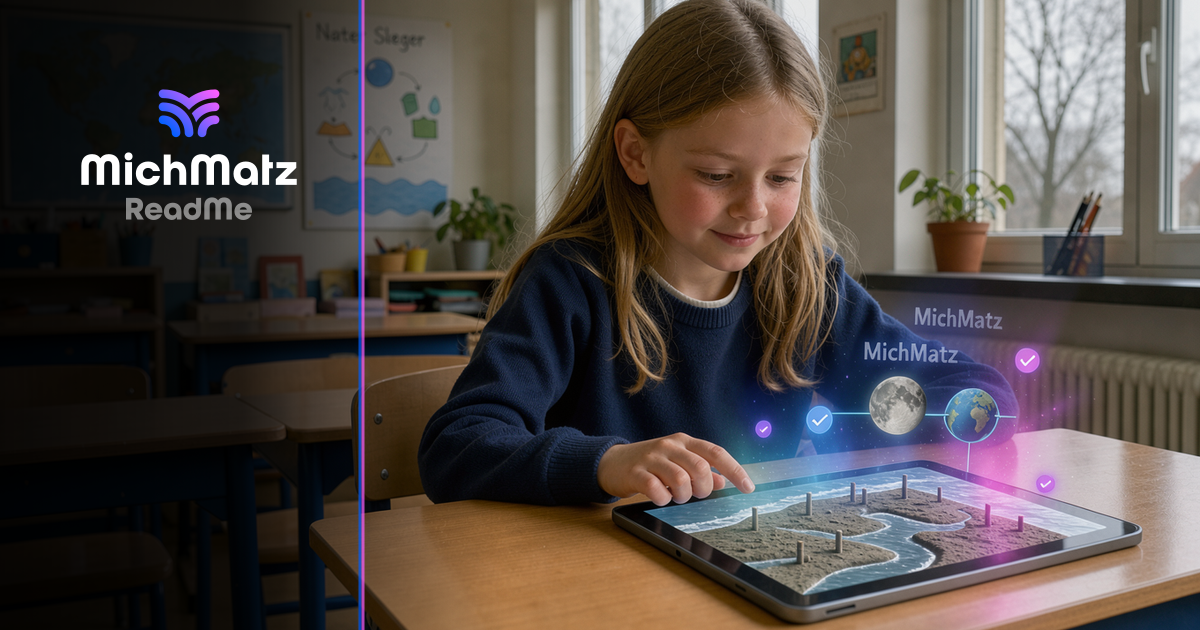
Until now ReadMe has written stories. Now it also writes non-fiction texts, for every subject.
A story on the topic your class is working on, at the right language level, with tasks in the middle of the text: that is what most teachers know us for. It works as long as a topic can carry a plot.
Tides can’t. If you want to explain in primary science how the tides come about, you don’t need characters. You need a clear text that is correct.
That is exactly what ReadMe now creates. This means ReadMe is no longer a tool just for German and foreign language teaching. For school leadership, this means: one app carries reading support into every subject, from primary science to biology.
Where to find non-fiction texts
In the library, tap the plus. Under “Create new” there are three options: “Story or non-fiction text”, “From teaching material” and “New vocabulary set”.
In the dialog, switch at the top from “Story” to “Non-fiction”. Then write your topic in the field, for example: How hedgehogs get through the winter. If you can’t think of one right now, leave the field empty. The AI will suggest one, or you can get ideas via “Topic ideas” and “Random topic”.
Below that, you select the class, language, age group, and language level. At the bottom, ReadMe summarizes what is about to be created, for example “Multi-part · Information text · ~15 min · 9–11 yrs · German B1”. One click on “Create non-fiction text” and the text is written.
What a non-fiction text comes with
Every topic, every subject
Tides, hedgehogs in winter, the Middle Ages. You set the topic or have one suggested to you. You set the language, age group, and language level yourself.
Linked to the curriculum
In the topic catalog, you choose a topic linked to the curriculum. Only non-fiction texts keep that link; stories take over just the topic.
Tasks in the text
The tasks sit right where the information is. Which types the AI chooses depends on the content and the language level.
Also available to listen to
Anyone who prefers to listen can have the non-fiction text read aloud.
When you assign the text, you decide how many tasks your class sees and of which types. The same text can thus run with few tasks in one class and with more in another.
Your worksheet becomes a non-fiction text
Maybe you already have the material. A worksheet on the water cycle or a photo of the board from the last lesson.
Then you choose “From teaching material”. You upload worksheets or photos, and the AI fills in the settings for your text: topic, learning objectives, target words. If your material fits better with a non-fiction text than with a story, ReadMe suggests that to you. One click on “Create as non-fiction” is all it takes.
Your material remains the starting point. ReadMe turns it into a text your class reads instead of filing away.
The fact check
In a story, the AI may invent. In a non-fiction text, it may not.
That is why ReadMe checks every non-fiction text before you distribute it. Multiple AI agents compare the statements in the text with sources in several stages. Anything that can be clearly resolved is resolved. Statements that turn out to be false are corrected by ReadMe.
Whatever is still open after that, ReadMe puts in front of you. In the library, the text then carries the label “Check facts”. In the text itself, under “Facts and sources”, you find each disputed passage on its own: the sentence, what was checked, why it is disputed, and which sources it was checked against. You decide. “Edit sentence” if you want to change it, “Mark as checked” if it can stay as it is.
This is how it looked for our text “Ebbe und Flut: Das Geheimnis der Gezeiten” (German, B1, about 15 minutes):
One of the nine passages reads: “On the open sea, the two tidal bulges are about half a meter high.” Nineteen sources were checked for this, and they only weakly support the statement. Whether the sentence stays as it is, you decide with two clicks.
An AI that writes non-fiction can be wrong. What matters is whether it shows you where.
The fact check does not make a text error-free, and we do not claim that either. It tells you where you should look first. Instead of researching the entire text sentence by sentence, you read the passages where the fact check itself was unsure. Reading the text before class is still your job. But you know where you have to start.
Try it with your next topic
What topic is coming up for you next week? The seasons, the hedgehog, the Romans? Create your first non-fiction text on it and see what the fact check finds. Trying it out costs nothing and requires no sign-up.
Stories for the joy of reading, non-fiction for everything your class wants to know. Both in one app.
Das MichMatz Team